
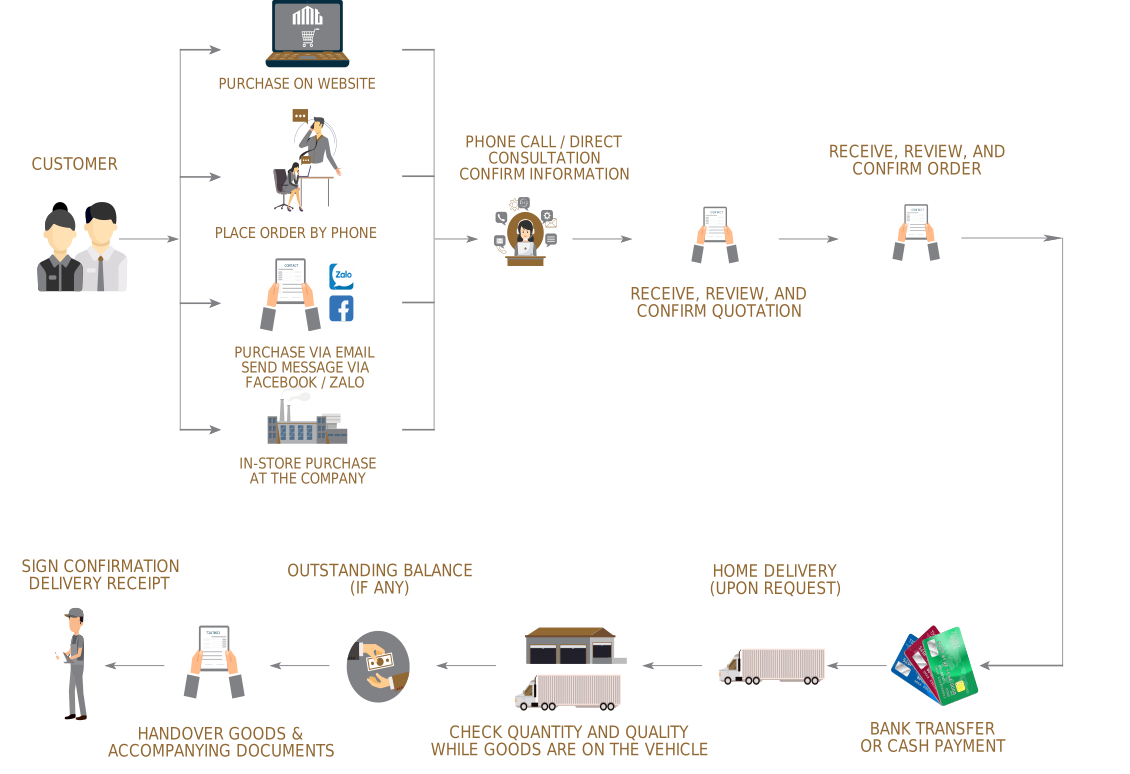
ONLINE PURCHASE PROCESS
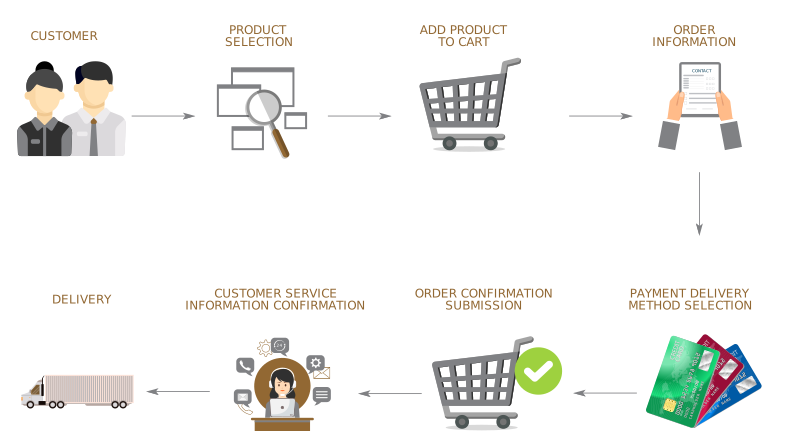
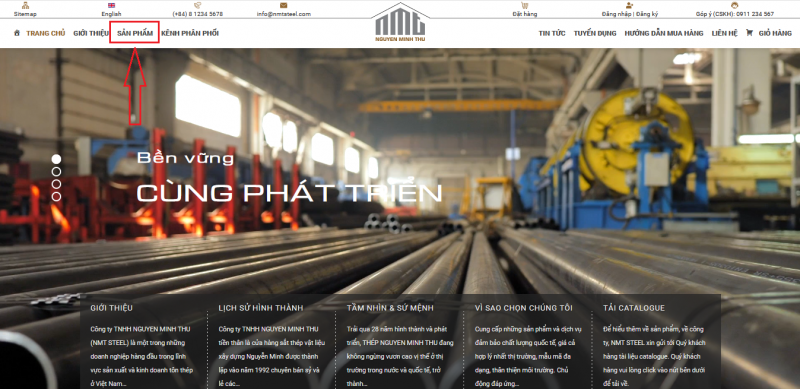
Step 1: Customers open website nmtsteel.com
Step 2: Select the "Products" page
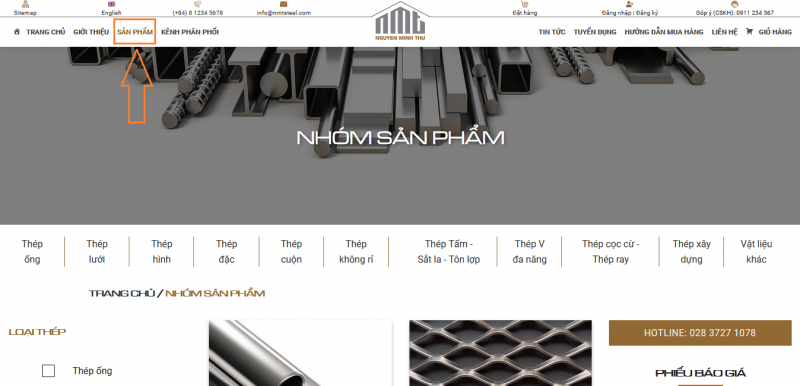
Step 3: Click to filter the groups of items to buy (as illustrated below).
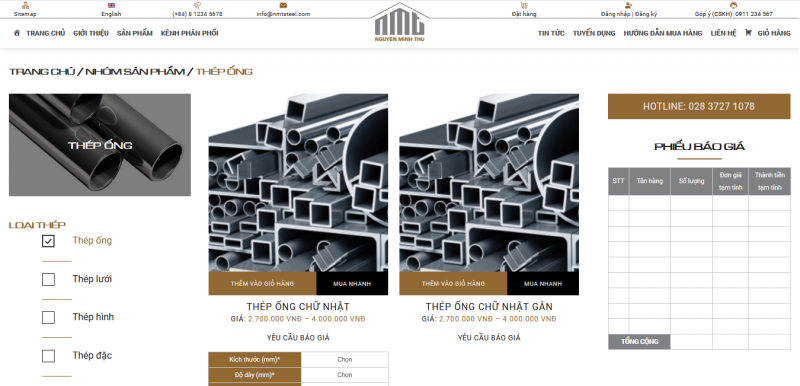
Step 4:
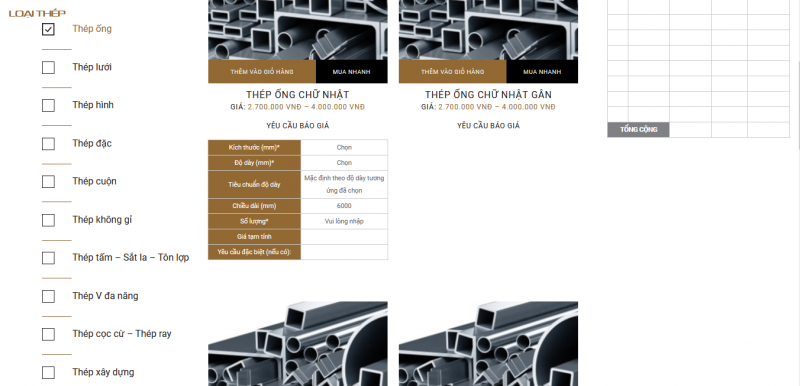
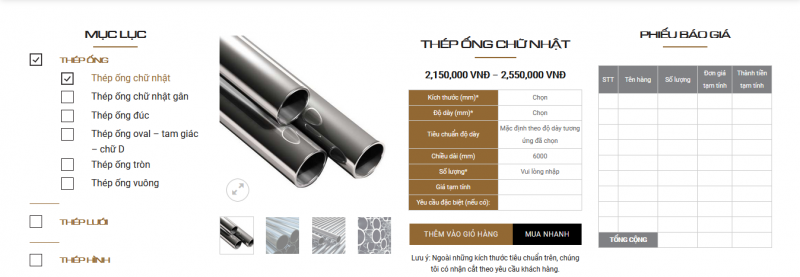
For customers who need to buy small quantities of items and specifications: go to "Add to Cart" for more details or click on "Request a Quote" for a quick purchase (as illustrated). Select the specifications to buy, then click "Add to Cart" or "Request a Quote".
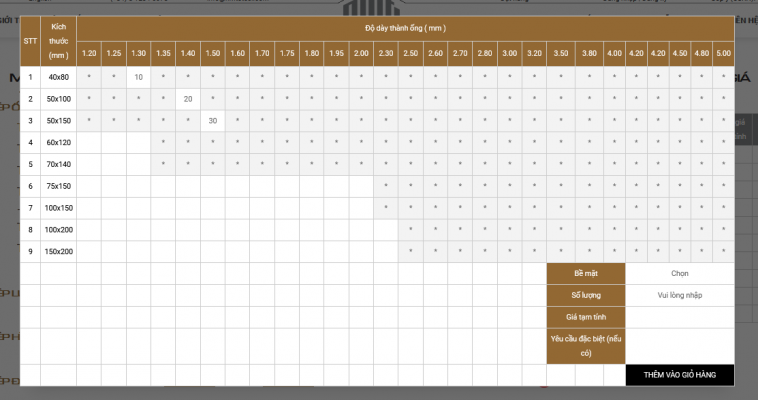
For customers who buy many types of items and many different specifications: click on "Quick Buy", a table of specifications for that type of item will appear (as illustrated). Select the requirements for "Surface". Enter the quantity in the boxes with "*". After finishing entering the quantity to buy, click "Add to Cart". Then, if you continue to buy other types of items, click "Continue Shopping".
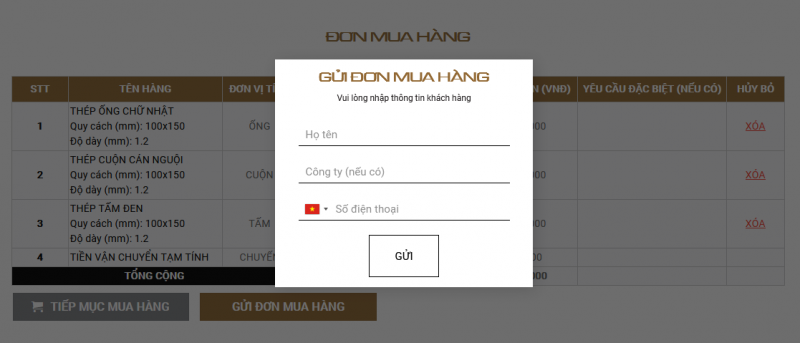
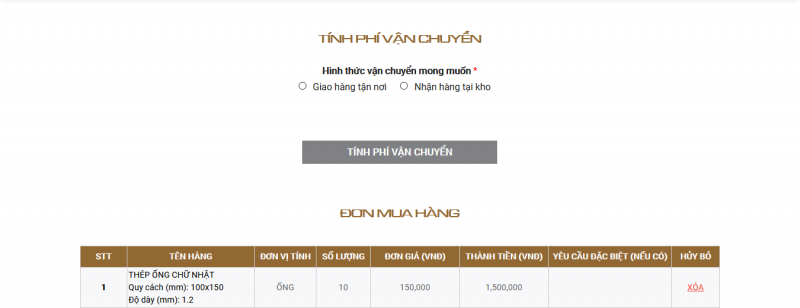
Step 5: After finishing the purchase, go to "Cart", select the delivery location (delivery at warehouse or home delivery). If home delivery, enter the delivery address... As illustrated:
Step 6: Choose payment method:
Cash payment (orders <20 million) or bank transfer.
Step 7: Click on "Send Order"